
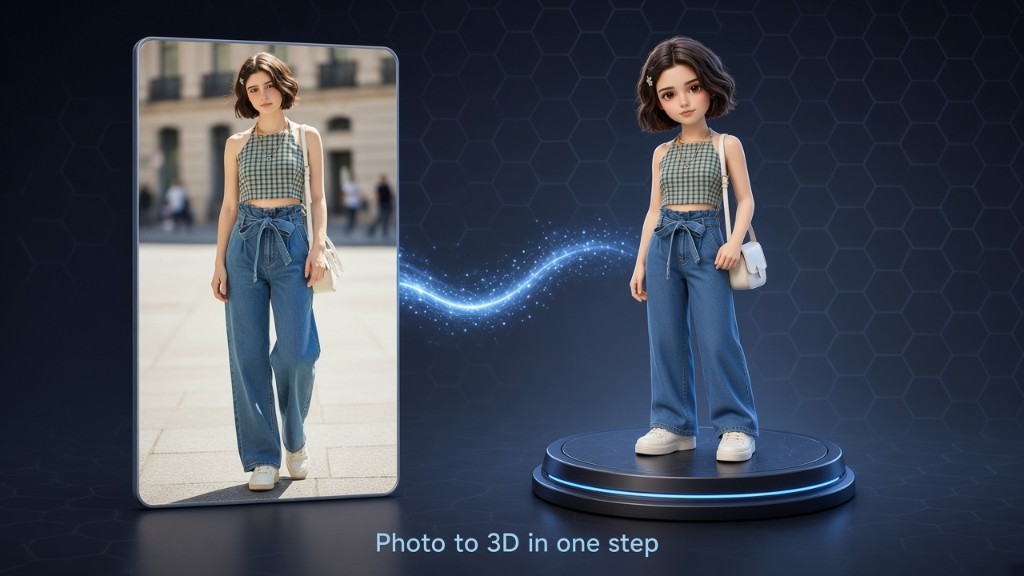
Text to 3D
Describe the model you want
Write your own prompt. Add an optional style, confirm, and Zufeors builds a textured mesh you keep as GLB.
Zufeors
Text to 3D or Image to 3D. Optional styles. Finished meshes save on your device as GLB — preview, share, keep in Record.
Create
Start from your own description, or from a single photo taken with the camera or chosen from your library.
Write your own prompt. Add an optional style, confirm, and Zufeors builds a textured mesh you keep as GLB.
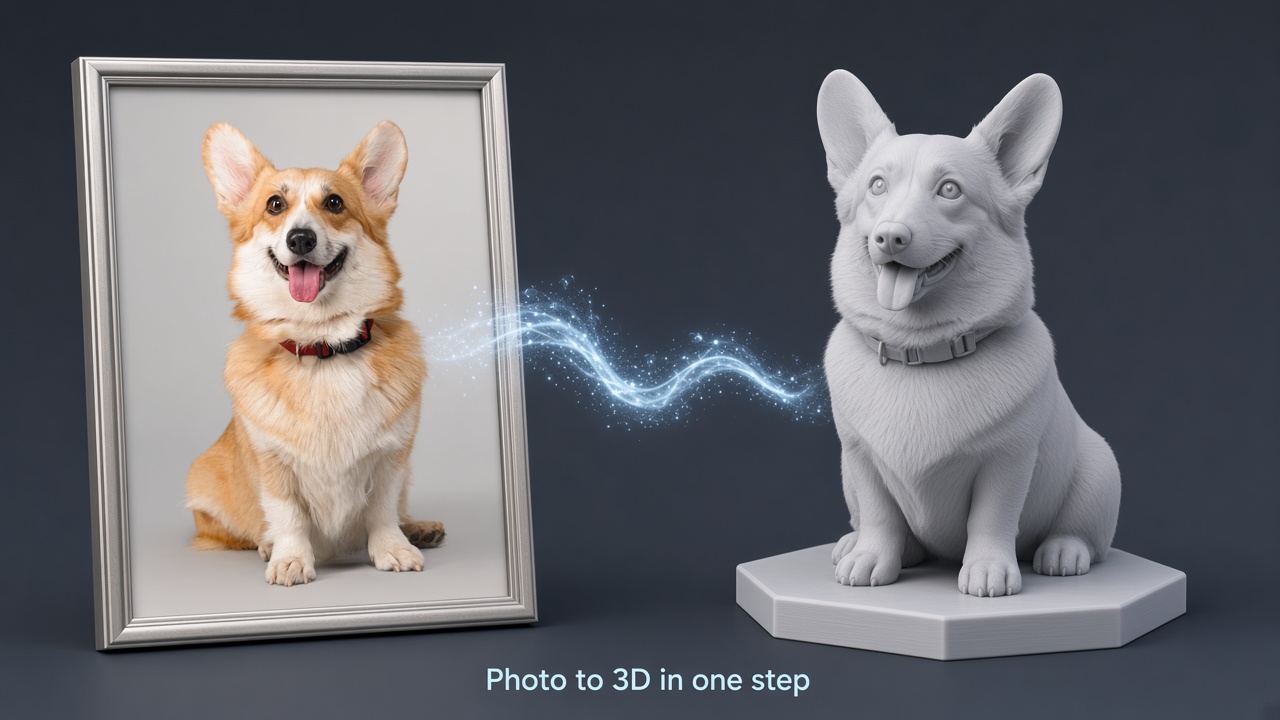
Camera or photo library. Your image is used only to create the result — then you preview and share from Record.
Optional styles
Same styles for text and photo. You can also create with only your description or only your photo.
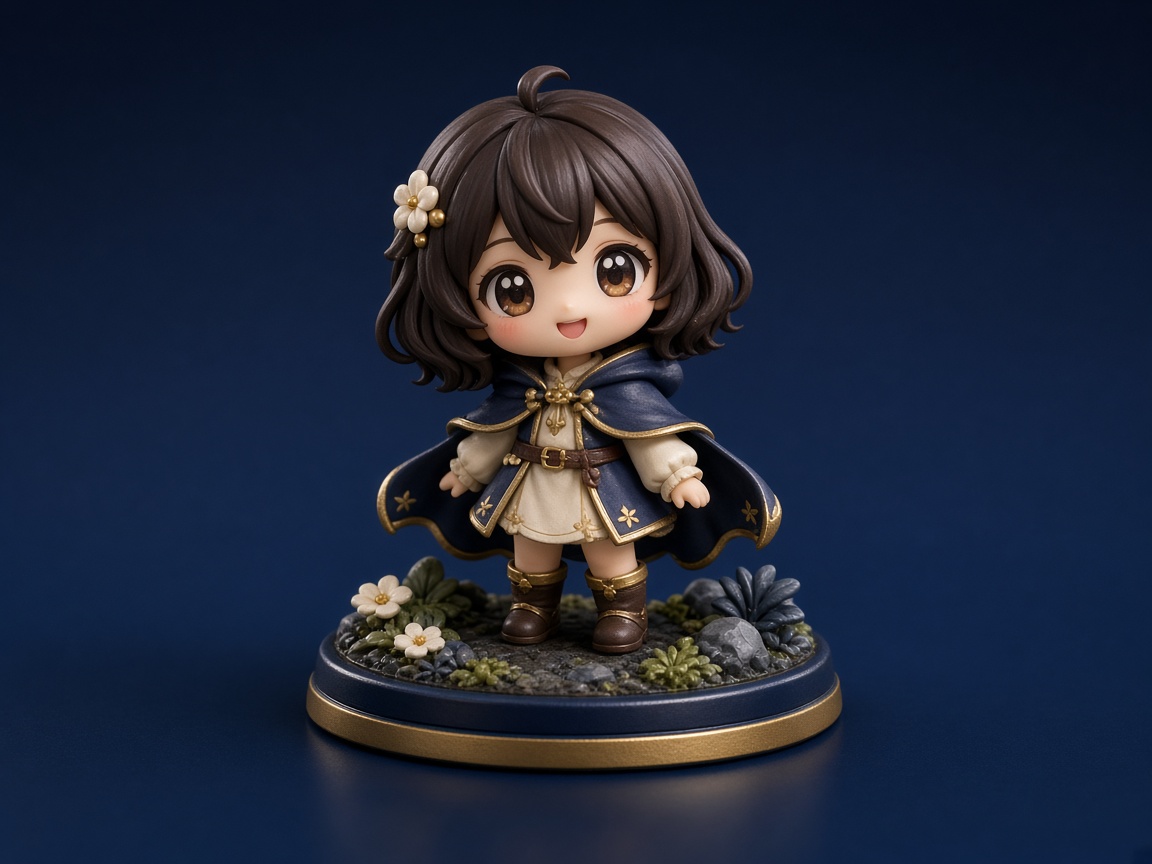
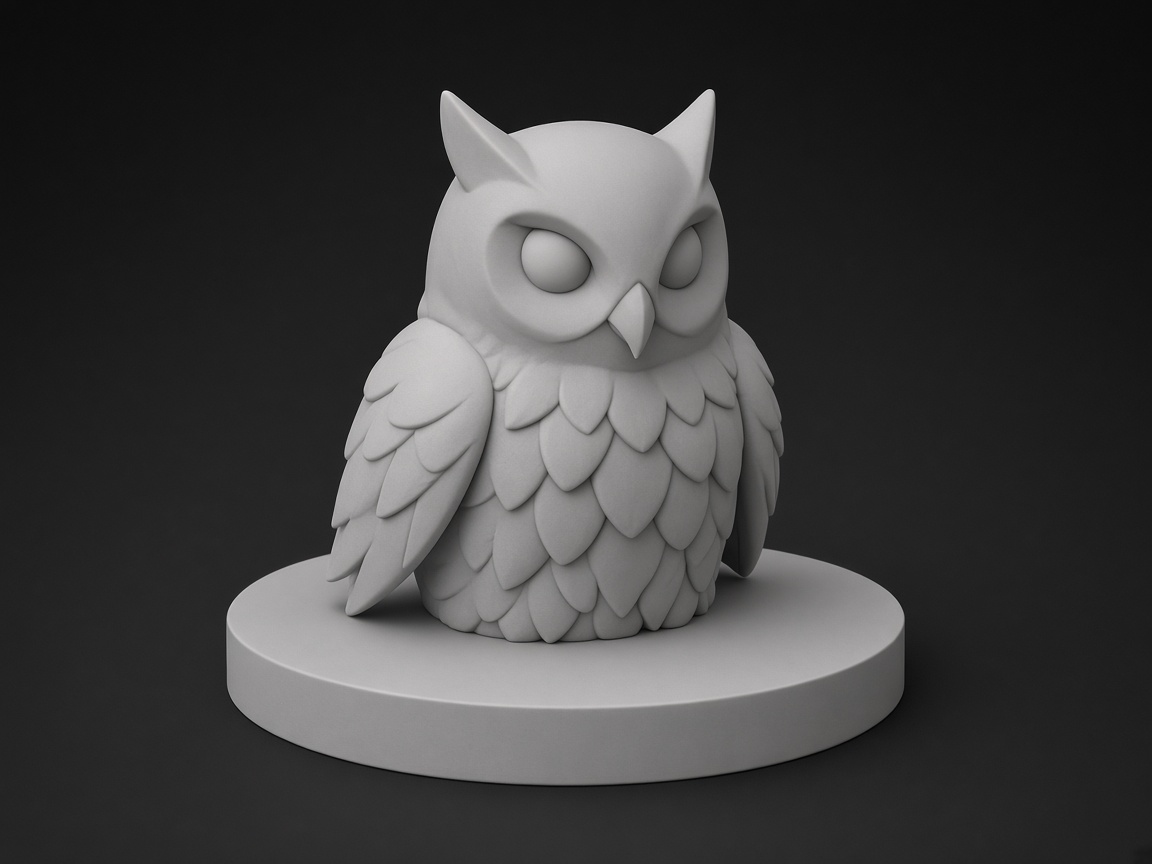
Record
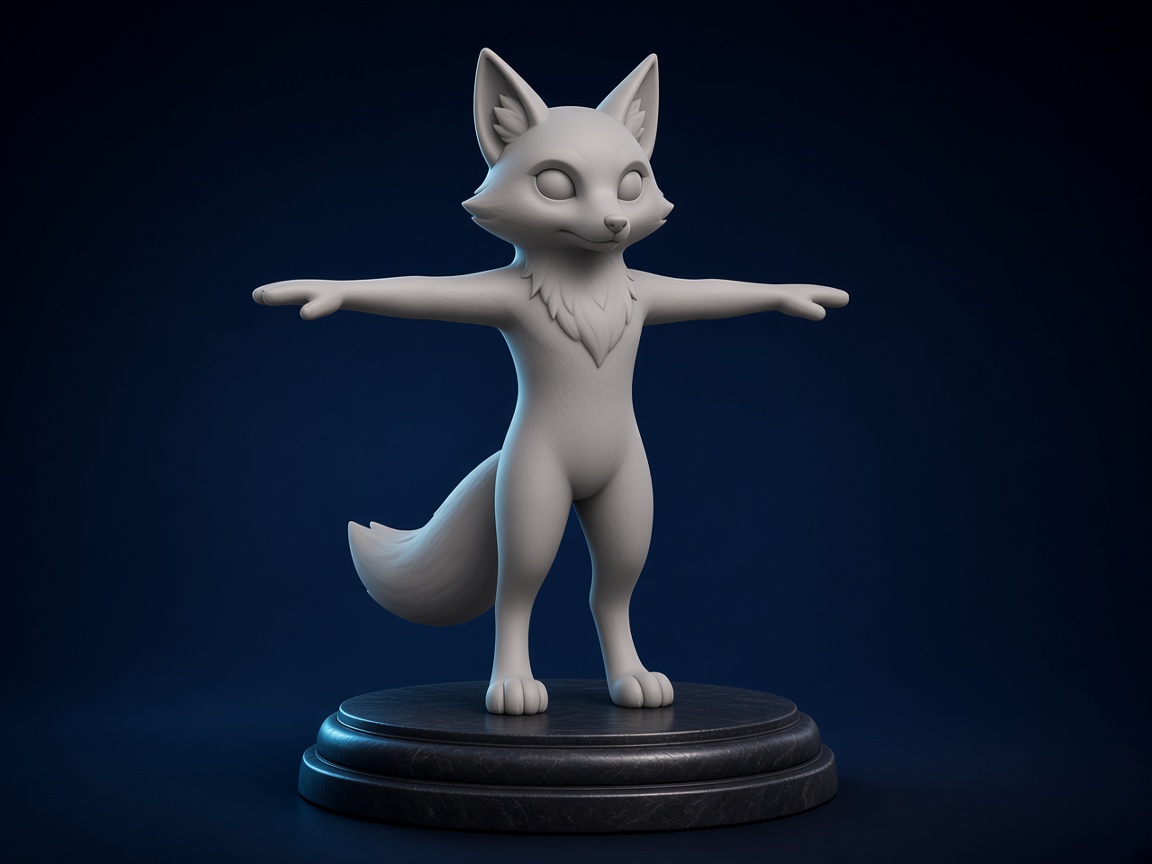
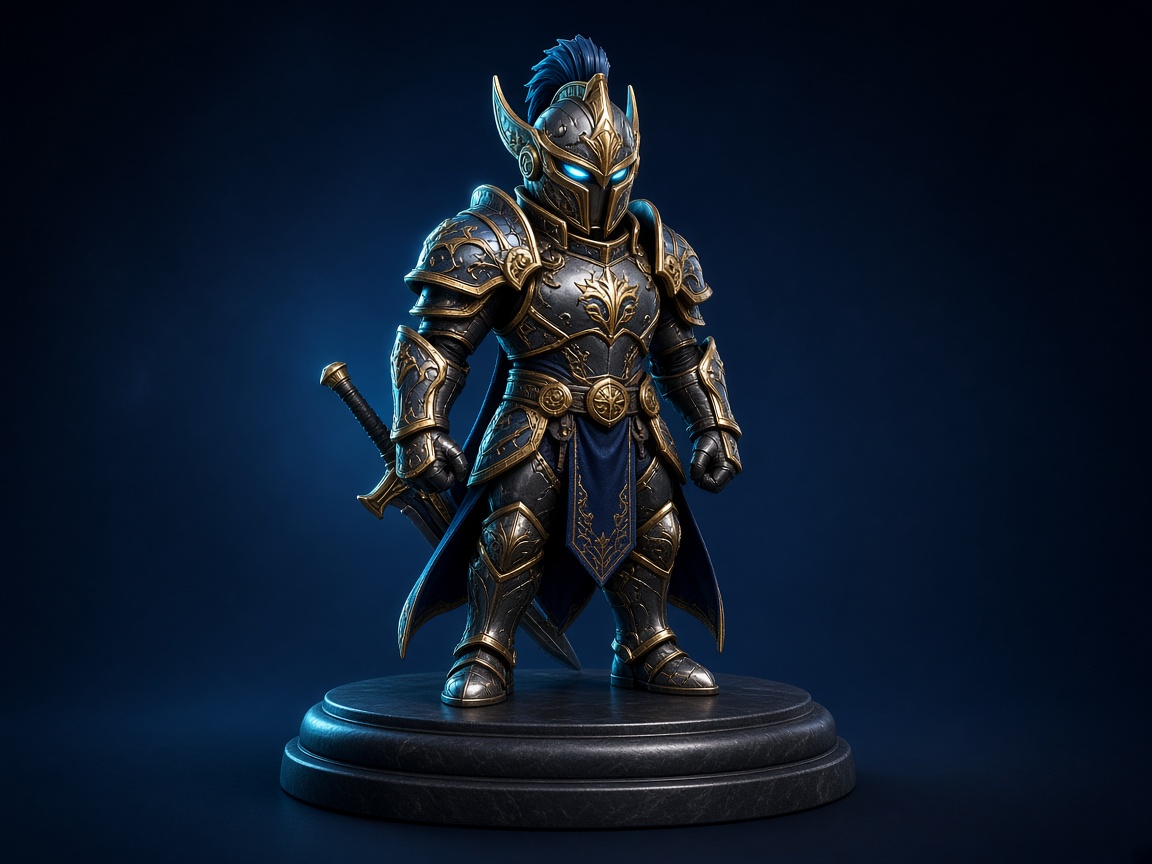
Each record shows a cover, the file name, and a note that the result is AI-generated 3D for reference only. Open a finished model, rotate it, and share the GLB file.
Zufeors does not collect your private data. Personal information is not shared with third parties.
Interface follows the device language. Other languages are shown in English.
Support requests from subscribers are handled first from the account page.
Coins & subscriptions
Each model costs 60 coins. Coin packs and auto-renewing subscriptions are shown in the app before you pay. Failed jobs refund coins.
Per generation
60 coins
Text to 3D and Image to 3D use the same cost.
Manage or cancel in Settings → Apple ID → Subscriptions. Turn off auto-renew at least 24 hours before the period ends.
FAQ
No. Creating a 3D model uses coins from your balance. Coin packs and subscriptions are paid content. There is no way to create a model without coins.
A textured 3D model saved on your device as a GLB file. You can preview it in Record and share the file from your phone. Results are AI-generated 3D for reference only.
A photo you provide is used only to create the 3D result and is not shared. Zufeors does not collect your private data, and personal information is not shared with third parties.
No. Styles are optional. You can create with only your description or only your photo.
English, Japanese, and Korean follow the device language. Other languages are shown in English.
A subscription renews automatically and adds coins when you subscribe. Renewal is billed to your Apple ID within 24 hours before the current period ends, unless you turn off auto-renew at least 24 hours earlier. You can restore an earlier subscription in the app.